


LED screen displays have been popularly used in the business industry, either for advertising or for entertainment. It’s an excellent way to convey detailed content and information to a wide range of people. LED screen displays are usually placed in different areas, either indoors or outdoors, exposing them to different environmental factors. Over time, dust and dirt accumulate on the screen. Sometimes, there are also smudges and impurities on the screen, especially if it’s an interactive LED. Therefore, certain care is needed to keep the screen display functioning for a long period of time. But before going into the details of how to clean LED screens, some important details must first be discussed.
Importance of Cleaning the LED Screen
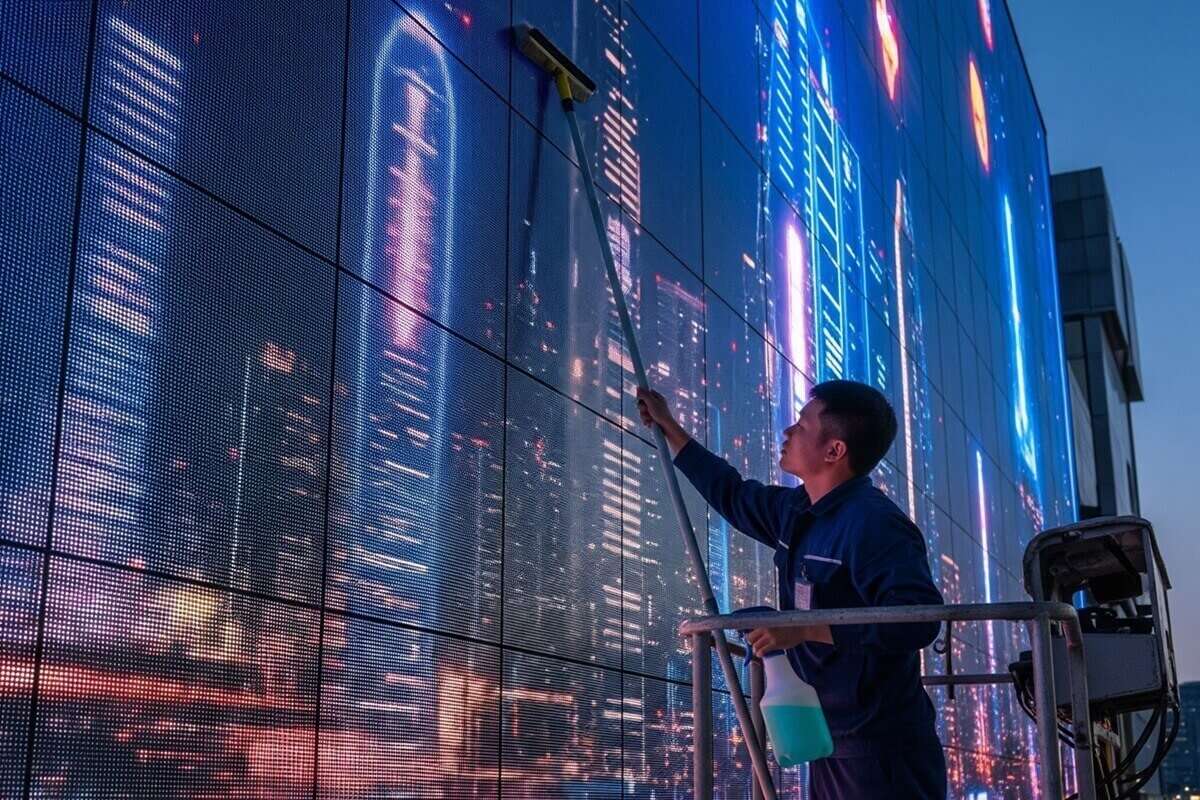 Image Credit: Gemini AI.
Here are some importance of regular maintenance and cleaning:
Improve Visual Appeal
Regular cleaning and removing impurities such as dust and fingerprints can improve the visual quality of the images and videos in the LED screen display.
Stretch Lifespan
Moisture and pollutants can penetrate the circuit, damaging the LED. Thus, to prolong the lifespan of the LED screen display.
Cost Efficiency
Through regular cleaning, it can prevent damage to the LED screen. Lesser or no damage to the LED screen can minimize additional charges for changing and repairing the LED. Thus lowering the operational cost.
Enhanced Reputation
Physical cleanliness can portray and improve the image of the business. This can also provide a positive impact on customers.
Promote Health and Safety
Screens displayed in public places often get contaminated from the viewer’s touch. Thus, thorough cleaning can help minimize contamination and transfer of germs and bacteria, promoting a healthy and safe environment.
Reliable Operation
Constant and regular cleaning of the LED screen can ensure stable performance and prevent flickering of lights..
After understanding the importance of cleaning the LED screen, and before knowing how to clean LED screens, we also need to know when cleaning the screen is needed.
Factors to Consider: Cleaning the LED Screen Is Needed
Maintaining the cleanliness of the LED screen display can extend its lifespan. Therefore, there are several factors to consider when cleaning is needed.
- The screen display appears dull
- The image and videos become blurry
- Smudges are visible on the screen display
- The screen feels hotter than usual
- There are black borders on the screen display
- There are dark spots in the center
Materials Needed to Clean LED Screens
 Image Credit: Gemini AI.
There are several materials and tools needed to start cleaning the LED screen. However, we must identify the right and correct tools to use to avoid damaging the LED screen. Before knowing how to clean LED screens, we need to identify what to use.
Cleaning cloth (Microfiber Cloths)
- Microfiber cloths are the ideal cleaning cloths used for LED screen cleaning. Soft, lint-free, and have strong dirt and dust absorbability. It is Ideal for cleaning LED screens since wiping gently using microfiber won’t leave any damage, scratches, or streaks.
- If microfiber is not available, other clothes can also be used, such as cotton handkerchiefs, cotton towels, and lint-free woven cloth.
Cleaning solution (LED-Safe Solution)
- There are different cleaning solutions. However, the compatible solutions must be used to prevent damaging the LED screen. Ammonia and strong detergents are not advisable to use, as they can damage the coating of the LED screen. However, there are different cleaning solutions that are safe for LED screens. Solutions that are mild, alcohol free and ammonia-free are best suited for LED cleaning. Among which are LED display cleaning solution, LED display cleaning and repair agent, and distilled water.
- Before discussing the steps on how to clean LED screens, it is essential to identify the cleaning solutions to be used. Below is a comparison of some cleaning solutions that are compatible with LED screens.
:
| Cleaning Solution | Benefits | Drawback | Used for |
| LED-safe Cleaning Solution | Safe and effective Removes dirt and dust | Needs a specialized product | Usual and regular cleaning and maintenance |
| LED Display Cleaning and Repair Agent | Versatile
| Expensives | Used to restore and repair aged screens For professional care |
| Distilled Water | Convenient and readily available | Residue and streaks may form after drying. | Temporary solution for cleaning |
Compressed Air Can
- Due to exposure of the screen to environmental factors, the screen feels hotter than before. This is caused by the accumulation of dirt and dust in its vent. It is also one of the materials needed for How to clean LED screens. To remove this accumulated debris, especially that which is far-reaching, compressed air can be used. However, if a compressed air can is not available, blow dryers and vacuum cleaners are the best alternative.
Soft brushes
- Soft-bristle brushes are used to prevent damaging the screen surface while cleaning the loose dust from it.
Protective gloves
- Protective gloves are used to protect the screen from fingerprints and other dirt from the hands while cleaning.
Dry cloth or absorbent pads
- Dry cloth and absorbent pads are used to completely dry the screen, thus avoiding water spots and smudges.
Steps on how to clean LED screens
 Image Credit: Gemini AI.
Cleaning is a simple process; however, certain steps must be followed to maintain the optimal condition of the LED screen. And before beginning the cleaning process, the primary thing that must be done is to gather all the materials needed. Once the materials and tools are gathered, the cleaning process can begin. Below is a detailed step-by-step guide on the safe and proper way of cleaning the LED screens.
Step 1: Turn Off the Screen and Disconnect the Power
Before beginning the actual cleaning process, the screen must be turned off and unplugged from the power source. This ensures the safety of the one cleaning the LED screen, at the same time eliminating the risk of the screen board short-circuiting. After unplugging the screen, wait for a couple of minutes for the screen to cool down. This will also avoid damage to the screen.
Step 2: Dry Clean to Remove Dust
How to clean LED screens initially? Different tools can be used. Use a microfiber cloth or any cleaning cloth to clean the LED screen in a circular motion. This action can safely remove any dust and debris from the screen. While cleaning in either horizontal or vertical direction is done when using a soft-bristle brush. A compressed air can or a vacuum cleaner can also be used in this step to remove dirt from corners and far areas of the screen.
Step 3: Prepare an LED Safe Solution
There are ready-made cleaning solutions that can be used for cleaning an LED screen. However, an alternative could also be mixing a small amount of vinegar into distilled water. Just remember to avoid solutions with harsh chemicals like alcohol, ammonia, and detergent.
Step 4: Use an LED-Safe Cleaning Solution
How to clean LED screens with a cleaning solution? Using an LED safe solution to wet a microfiber or a cleaning cloth. You can either spray the cleaning solution on the cloth or dip the cloth in a cleaning solution. Just make sure to remove the excess liquid from the cloth. Spraying the solution directly to the screen is not advisable. Thus, use the dampened cloth and gently wipe clean the screen in just one direction, either horizontally or vertically, paying extra attention to areas with smudges.
Step 5: Ensure the Screen Is Dry
A clean and dry microfiber cloth is used to wipe away any excess liquid and moisture from the screen. However, in other instances, using a blow dryer is necessary to facilitate proper drying of the screen. To avoid damaging the screen when using a blow dryer, make sure to use the suitable wind power. Also, make sure that the screen is completely dry before connecting it to a power source.
Step 6 Inspect
Inspection is necessary to check whether the screen was properly cleaned and if there are any smudges left uncleaned. How to clean LED screens of tough stains? Repeat the cleaning process. Make sure not to put so much pressure on the screen while wiping it off. Repeat this until the dirt and smudges are removed from the screen.
How to Clean LED Screens of Different Types
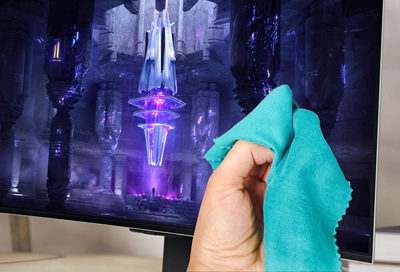
There are different LED screens used for personal to business commercials. Different types of LED screens require a certain cleaning process to avoid damage to the LED screen
Indoor LED TV screens and monitors
Indoor LED screens and monitors are usually exposed to dust and fingerprints. They are usually sheltered from extreme environmental risk. Therefore, minimal but frequent cleaning is needed.
Indoor LED video walls
Indoor LED video walls are usually seen in public places such as airports and shopping centers. This is usually composed of several LED panels. and dust can usually accumulate on the edges and connectors
Outdoor LED screen
How to clean LED screens when it is located outdoors? Outdoor LED screen displays are usually used in stadiums, on highways, and on buildings. Therefore, these types of screens are usually exposed to harsh environments, requiring a specialized company to clean and maintain the LED screen. Professionals are always hired to clean this type of screen as they know the safety protocol for doing this. Thus, regular cleaning helps maintain the screen brightness and color.
Curved LED screens
These types of screens are usually flexible and used for advertising displays. Below is a compilation of the frequency, cleaning materials, and tips on how to clean LED screens of each type.
| Types of LED Screens | Frequency | Cleaning materials | Tips on how to clean |
| LED TV screens and monitors | Every 2-4 weeks | – Microfiber cloth – 1:1 mixture of distilled water and isopropyl alcohol. | – Wipe gently in either vertical or horizontal motion and avoid too much pressure. – Extra care to edges since dust accumulates in that area. – For interactive LED screens such as touch screens, cleaning frequency may increase to avoid fingerprint and smudge accumulation. |
| Indoor LED video walls | Monthly | – Microfiber cloth – LED safe cleaning solution. | – Consistent and even wiping patterns in all panels to maintain the brightness and color of the screen and prevent streaks. – Extra care to edges and connectors since dust accumulates in that area. – For wider walls, professionals are usually hired to ensure safety. |
| Outdoor LED screen | Weekly to monthly | – Low-pressure water sprays – Specialized solutions for larger LED | – How to clean LED screens outdoors needs to hire a professional to ensure safety in – Seal electrical components – Inspect the ventilation and waterproofing on a regular schedule |
| Curved LED screens | Every 1-2 weeks | – Microfiber cloth – LED safe cleaning solution | – When wiping the screen, follow its curvature and avoid excessive bending of modules. – Extra care to edges and joints since dust accumulates in that area. |
How to Clean LED Screens Safely
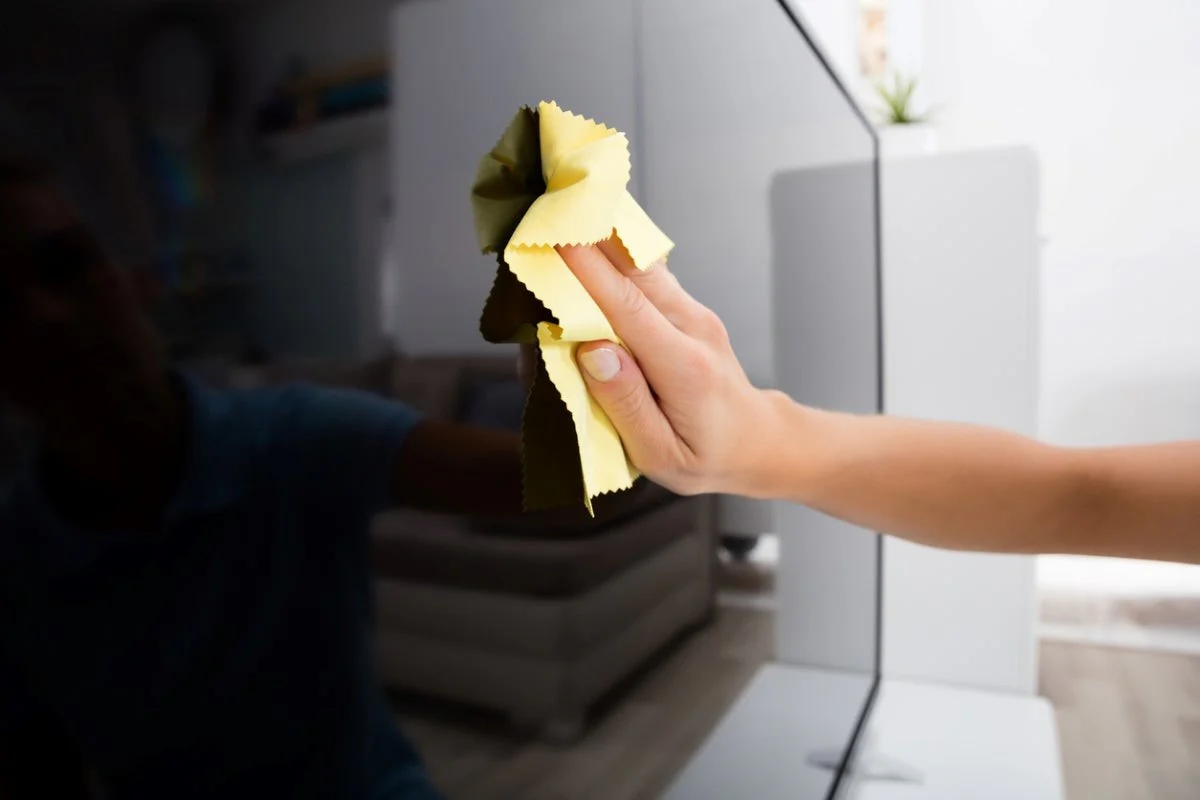
Cleaning any LED screen needs accurate care. Moreover, to extend the lifespan and avoid irreversible damage to the screen, certain things must be avoided. The following are common practices to avoid.
Using Harsh Chemicals
Any cleaning solution that contains harsh chemicals like alcohol, ammonia, and bleach, when used on LED screens, can be detrimental. Using these solutions can cause discoloration and damage to the screen’s protective coating, which could lead to decreased effectiveness.
Spraying directly onto the LED screen surface
Spraying directly on the LED can cause internal damage. So, how to clean LED screens properly? It is advisable to spray the cleaning solution onto the cleaning cloth or microfiber. Then use that cloth to clean the screen surface.
Pressing the screen excessively
Too much pressure can damage the protective coating of an LED screen and may cause permanent damage. Therefore, light and gentle wiping of the screen in a single direction, either vertical or horizontal motion, is recommended.
Using rough materials
Abrasive pads, regular cloth, and paper towels are considered abrasive materials. They must be avoided. Using this kind of material can damage and scratch the screen surface.
Ignoring Manufacturer’s Guidelines
LED display manufacturers have different cleaning instructions and guidelines, since the coating materials used also vary. Therefore, ignoring these guidelines can revoke its warranty.
Cleaning while the screen is on
How to clean LED screens properly? It is recommended to turn off the screen before beginning to clean. A person cleaning with an unplugged screen will obtain an electrical injury. At the same time, it may cause damage to the screen.
Disregarding regular maintenance
Regular maintenance is essential to prolong the lifespan of the screen. Waiting for too long before cleaning can make cleaning hard. Dirt and dust can accumulate and pile up over time, making it hard to clean.
Extra tips on how to clean LED screens
Proper maintenance and cleaning are essential to extend the lifespan of the LED screen.
Here are a few tips to further extend the lifespan of the LED screen and keep it in its optimal condition.
- A regular cleaning schedule must be determined depending on what type of LED screen and its exposure to the outdoor harsh environment.
- Make sure to preheat the display under certain conditions for a period of time if it has been turned off for a long period of time.
- Check your connections and wiring for signs of wear and tear. If damages are found, immediately fix them to avoid any other issues.
- How to clean LED screens from insects and rodents? If the location of the LED screen is susceptible to rodents and insects, certain measures must be implemented, such as the use of repellents.
- Protective barriers are added to the screen to prevent damage and impact to its surface.
- Smart LED screen’s control system and firmware must be updated regularly.
- Regular calibration of the screen is necessary to maintain the contrast and brightness of the screen.
Conclusion
Learning how to clean LED screens is very important to ensure that the screen is well-maintained. At the same time, it prolongs the lifespan of the display. Just follow the steps and safety tips during cleaning. And if it’s too big, a professional cleaner could also be hired to do the job.

