


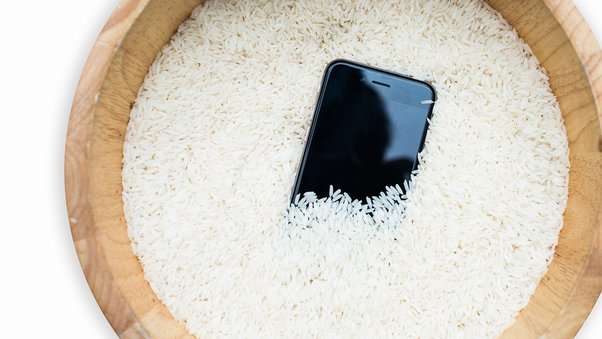
Water, or any form of liquid for that matter, is the number one enemy of electronic devices. Before IP-rated smartphones became a thing, people would put their gadgets as far away from anything damp as possible. Imagine lounging in the pool and dropping your $650 iPhone 5 by accident. Or spilling a glass of water on your tablet. If you owned a phone in the early 2010s, you’ve probably tried the oldest trick in the book–putting your submerged phone in a tub of uncooked rice in the hopes of the grains absorbing the liquid.
Unfortunately, most manufacturers do not cover LED screen damage caused by water submersion under basic warranties. Many companies also use water sensors to determine whether the device was submerged or exposed to any liquid. And if this sensor has been tampered with, such as the iPhone’s rubber seal, you will lose your phone’s warranty altogether.
While repairing LED water damage is doable, it can be expensive, especially with larger displays such as a TV screen. This handy guide will help you save your devices from electrical damage before you shell out money for a costly repair.
Understanding LED Screen Vulnerability
LED screens are prone to water damage, which can cause permanent damage to the display panels. While outdoor LED displays and digital signage are designed to be weatherproof, ordinary applications such as televisions and mobile phones may not have the same level of protection. Outdoor displays typically have a glaze and a weatherproof cabinet that protect the graphic cards, wires, and other internal components from the elements and any physical impact. However, these do not entirely make LED displays immune to water damage.

Water damage is one of the most common LED screen damage types, but is not exclusively caused by excessive rains. It can also be due to flooding, spills, and even humidity. Electrical components including wires and the diodes themselves are sensitive to moisture. Any trace of water inside the LED display can cause corrosion and short-circuiting that could affect its brightness level and clarity in the long run.
Causes of Water Damage on LED Displays
Exposure to Water or Moisture
LED displays may corrode or malfunction when exposed to water or moisture. In general, water mixed with electricity is not good for devices nor safe for users. The impurities in the water can corrode the circuit board and affect the bonding of the LEDs. Water can also create a circuit that is not in the operational design of the display, effectively damaging its internal components.
Environmental Factors
Environmental factors such as humidity and high precipitation can cause water damage to LED displays. Humidity refers to the wetness of the atmosphere, while precipitation is the amount of rain a place receives. LED displays near bodies of water or installed in areas that receive ample rains are more prone to damage caused by humid air. Moisture condensation can form inside the display, damaging the circuit board and affecting the bonding of LEDs.
Poor Maintenance and Handling

Using harsh chemicals or abrasive materials to clean LED screens can also cause water damage. Some screens have a protective coating that can be dissolved or damaged by chemicals like alcohol. It is not advisable to clean LED displays with alcohol-based cleaners. Instead, you can use special cleaning pads or a damp microfiber cloth to get rid of dust and debris on the screen surface.
Identifying Water Damage on LED Screens
Image Distortion

On a surface level, water droplets may distort images as it diffracts light. However, a more serious problem occurs once these droplets seep through the display. When the printed circuit board (PCB) has been soaking for quite some time, the bonds that keep individual LEDs in place can develop rust and eventually give in. One disconnected LED could mean multiple dead pixels and distorted images. You might also observe vertical lines after the display panel is exposed to water. In some cases, the image might appear blurry or hazy. This is also called a “ghost image”.
Drop in Brightness and Clarity
Picture yourself wearing eyeglasses with raindrops on them. Don’t they make visibility difficult? This is what happens when your LED display gets water on it. Because water scatters light, the display’s clarity and brightness are affected. This is more apparent in outdoor LED displays that are not always in the most ideal light settings.
Control Issues
Touchscreen LED displays such as smartphones, tablets, and interactive installations may experience difficulty with sensitivity. This can affect how you navigate the display and, in some cases, how you open the device such as those with fingerprint sensors. Water droplets make the screen too slippery for the sensors to recognize movements, and they can also damage physical buttons.
Moisture Retention
Moisture can get stuck inside the display once water enters its topmost layers. Once water gets to the backlight and liquid crystal layers, the display can get foggy and fail to show colors accurately. While this may not cause immediate damage to the screen, the moisture will eventually corrode components and cause degradation to the display quality.
Rust Formation
LED screens have metal components such as contacts and screws that are prone to rusting once exposed to water. The formation of rust will corrode these components and cause loose connections, causing a dip in performance and eventually, failure.
Display Stops Working
If water or moisture has been sitting inside the display for too long, it can cause the display to stop working. While this does not happen all the time and in an instant, leaving your display in a moist state will cause its components to malfunction or worse, be damaged beyond repair.
Assessing the Extent of Water Damage
Turn off the LED screen
Once the display comes into contact with water, unplug or turn it off immediately to prevent further damage or fire-related hazards. For smartphones, remove the case along with the SIM, memory cards, and any parts that can be taken out.
Remove water
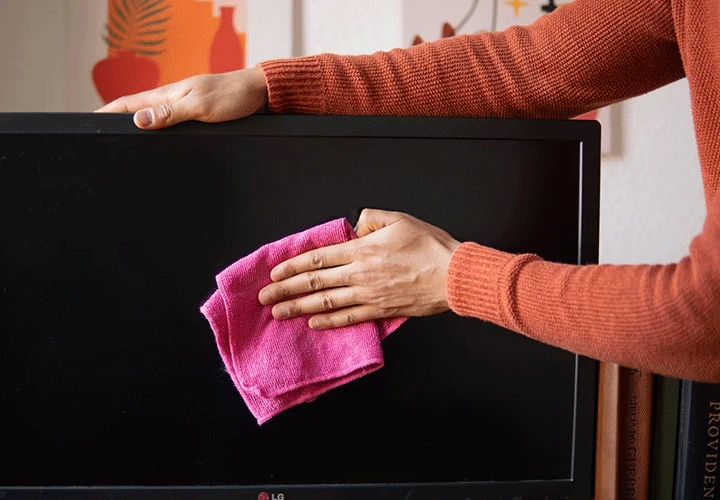
Once the power is switched off, remove as much water as you can by gently shaking the device. Use a soft towel to dry the remaining water from the display and q-tips to get to the ports. DO NOT blow dry the device as excessive heat can further damage its internal components. You can use a vacuum cleaner with a small nozzle to get around the small openings.
Dry it off
For small devices, you can try the old trick of putting it in a jar of uncooked rice or silica gel. The silica gel is excellent in drawing out moisture. However, a more unconventional trick is burying the soaked device in Rice Krispies as their aerated structure sucks more water than rice grains.
Open it if you can
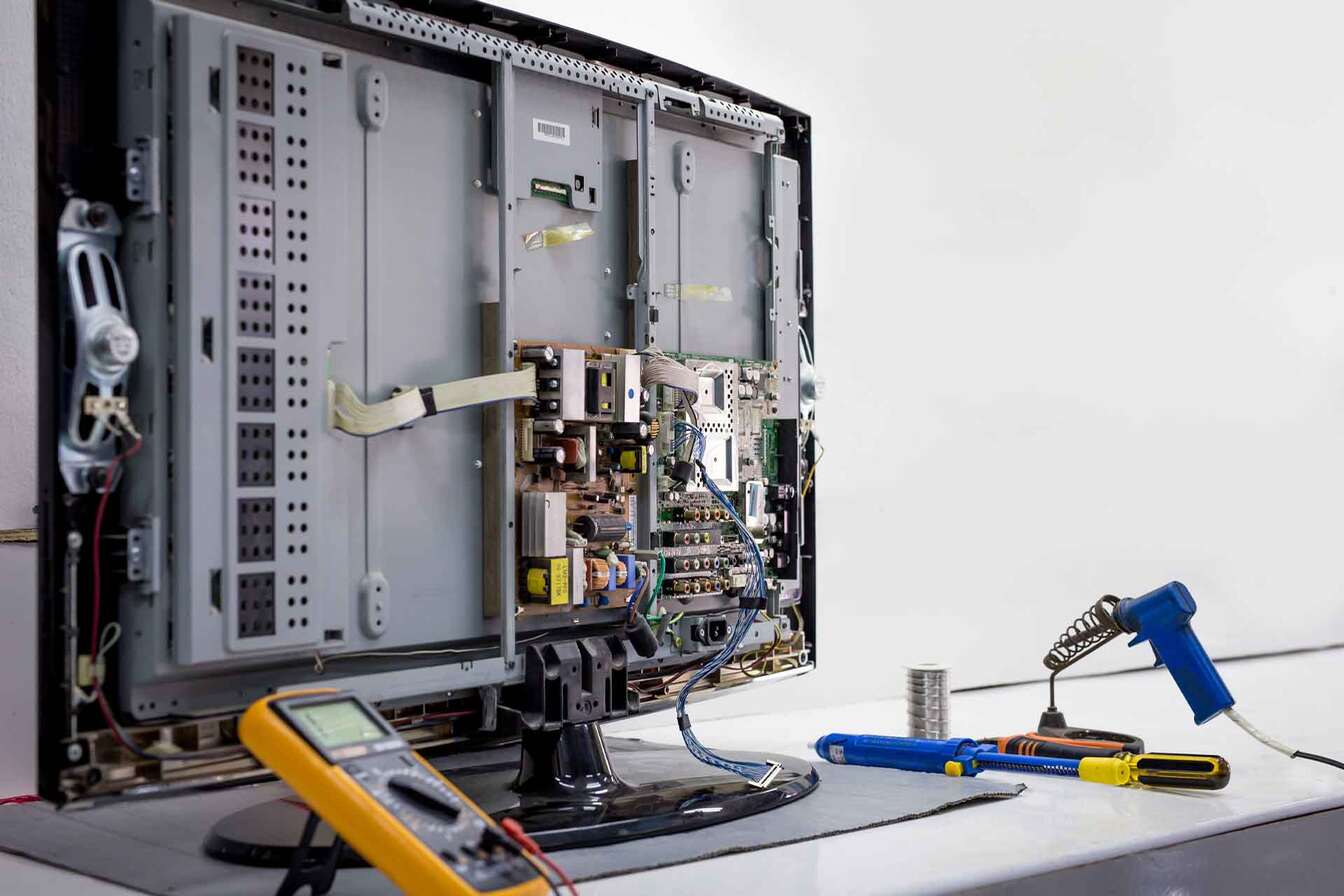
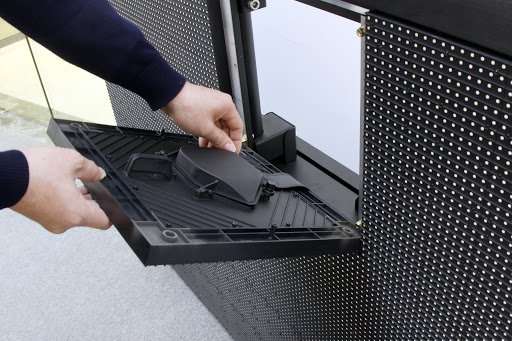
For larger applications such as outdoor displays, open the enclosure or cabinet carefully and let its internal components air-dry. Ensure that you don’t cause any further damage to the display. If you’re uncomfortable prying it open on your own, call your screen supplier or any professional for assistance.
Check the Components
Once open, examine the internal components for any signs of water damage or moisture buildup. The metal components will show visible signs of rust formation if they’ve been exposed to water for an extended period. The circuit board and connectors are the most sensitive with moisture, so be careful with those.
Dry out the components
Use packets of desiccants or packets of silica gel and carefully place them near the most vulnerable components. These will help absorb any moisture left. Place the display in a well-ventilated area, and let the internal components dry out completely.
Turn it on
After 48 hours or so, remove the silica gel packets and inspect the device for any traces of water or possible physical damage. Return the desiccants if you still see moisture. If not, carefully reassemble the display and turn it on. Test its controls and observe for any issues with the displayed images.
Professional LED Screen Repair Services
If the above solutions don’t work or if you’re not confident working with electronic devices, it’s time to contact a professional repair service. They may be better equipped to assess the extent of damage and perform the first steps in saving the display. If your device is still under warranty or if you have contact to manufacturer-authorized repair centers, it’s worth the shot. While water damage may not be covered by basic warranties, the device’s manufacturer is still the best point of contact regarding damages.
Preventing Water Damage on Big LED Screens

- Use waterproof enclosures: LED cabinets are not made equal, and some offer more weather protection than others. Aluminum die-cast cabinets are the most efficient option if you want your displays to have the highest level of protection.
- Seal the gaps: Use sealants, gaskets, or your technique of choice in securing openings such as ports and connection slots where water could enter.
- Use a screen that is water-resistant or waterproof: Consider the screen’s Ingress Protection (IP) rating, especially if you’re using it outdoors. This rating indicates how much protection your screen has against dust and moisture.
- Assess the environment: Steer clear of intense lighting or very cold temperatures for the screen. Sudden changes in temperature can form moisture inside the screen. Screens installed in humid or wet locations are more prone to water damage than in dry areas.
- Cover the screens: If the screen is not meant to be always on, use a protective covering to keep it away from the elements.
LED Screen Maintenance and Care
- Check the screen regularly for indications of wear or damage. Create a maintenance schedule to ensure you inspect for water damages too.
- Regularly clean the screen with a gentle cloth and stay away from harsh chemicals.
- Keep desiccants on hand.
- To avoid burn-in, steer clear of showing static images for long periods.
- For best results, periodically update the screen’s firmware.
Conclusion
Water damage remains the biggest threat to the service life of LED displays. Despite this, manufacturers refuse to cover related damages under basic warranties, mainly because they don’t really have a way to find out whether it’s an accident or just caused by negligence, which is completely understandable. As owners, it is our responsibility to take care of our devices and ensure they are used and stored correctly.

