


Modern technological applications heavily rely on LED screens for features such as gaming monitors, television displays, and digital billboards with professional video walls. Display technology evolution leads to regular mentions of refresh rate as an important term. Both visual quality and motion smoothness, which lead to improved viewing experience, are directly impacted by an LED screen’s refresh rate.
The knowledge about refresh rates becomes vital for anyone who plans to acquire an LED display for gaming needs or entertainment use as well as business and advertising functions. The following guide examines LED screen refresh rate definitions alongside their significance followed by selection guidelines and the optimal display configuration for peak performance.
What Is LED Screen Refresh Rate?
An LED screen refreshes its image display cycle a particular number of times per second which is measured in Hertz (Hz). The frequency at which an LED display updates its content directly affects motion smoothness because increased refresh rates create a more seamless visual experience. Display clarity during fast-motion depends heavily on this metric along with its ability to block motion artifacts from appearing.

For example:
- The display system on a 60Hz refresh rate screen refreshes its content 60 times per second which fulfills basic requirements for regular office tasks together with watching leisure materials.
- Screens updated at 120 times per second through the 120Hz refresh rate provide gamers and viewers with exceptional high-definition performance.
- Screens featuring 1920Hz refresh rate (that is commonly used in large LED walls) achieve 1,920 repetitive screen refreshes per second to deliver steady flicker-free commercial displays during live events.
Because it defines smooth motion quality and the least amount of flickering, refresh rate is particularly important for applications like gaming, sports broadcasting, digital advertising, and video walls. Refresh rate settings play a major role in choosing an LED display since higher rates provide greater visual performance, less eye strain, and a more enjoyable user experience.
Why Does Refresh Rate Matter?
Flicker Reduction & Eye Comfort

Screen comfort during extensive viewing periods increases when refresh rates reach higher levels because the screen creates less flickering. A low refresh rate screen produces frequent image interruptions that lead to uncomfortable eye fatigue and strain which becomes worse in dark conditions. The refresh rate plays an essential role for people who work at computers because it affects their eye comfort particularly when spending many hours in front of screens.
Smoother Motion & Reduced Motion Blur
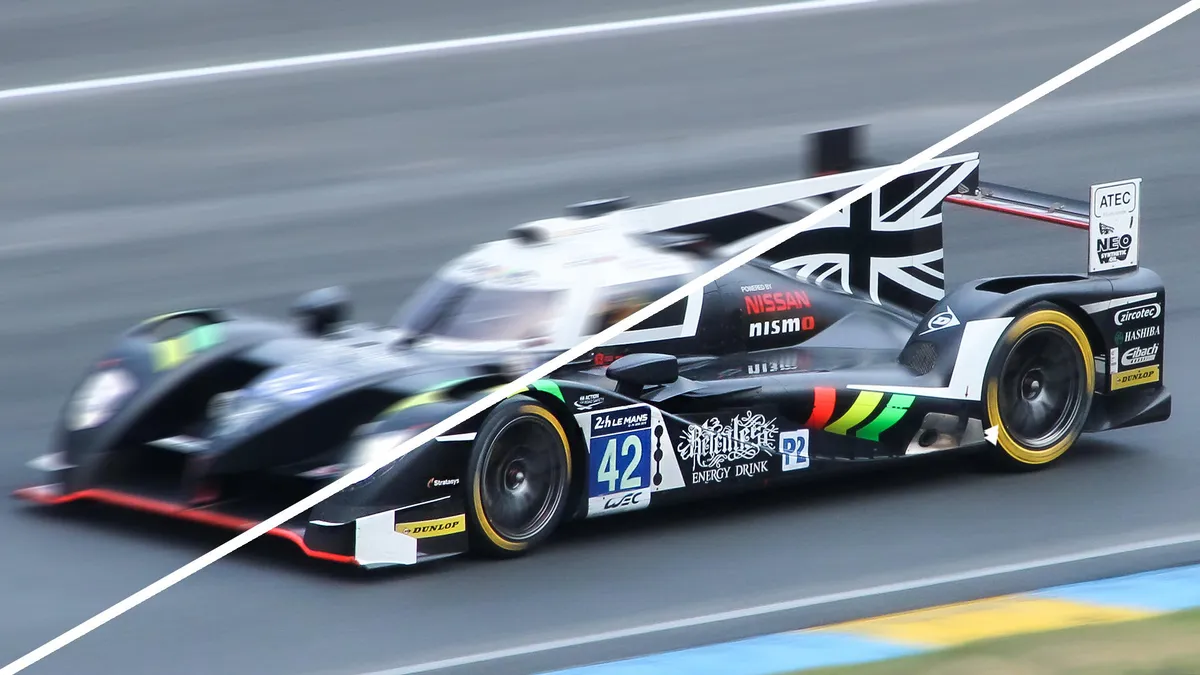
The refresh speed at faster rates manages to eliminate blur so dynamic content looks sharper. Gaming and action-packed movies along with live sports broadcasts gain significant benefits from this feature. The competition between gamers depends heavily on a system refresh rate since it determines smooth gameplay and minimal lag while boosting playing speed and visual flow.
Better Performance for LED Walls
The refresh rate of digital signage with LED video walls plays a critical role because it delivers content with complete lack of flicker while guaranteeing smooth visibility to keep audiences engaged. The outdoor environment demands this feature because changes in lighting create a stronger effect on visual display flaws. A high refresh rate operation allows video walls installed for concerts and stadiums along with advertising billboards to display sharp bright images no matter how far the viewer stands.
Photography & Video Recording Considerations
Professional photographers along with videographers choose high refresh rate LED screens because screens with slower refresh rates show visible flicker during camera recordings. The best image quality for photos and videos during stage performances and live events requires LED wall refresh rates exceeding 1920Hz. Broadcast programs require camera-screen refresh rate synchronization to prevent screen distortions since these operations occur simultaneously.
Common Refresh Rate Options Explained
The timing rate that LED displays use depends on how they will be used alongside their specific display technology. Variations between different displays require fundamental knowledge for identifying the most suitable product. Below are the most common refresh rate options and their respective applications.
Standard Refresh Rates:

- 60Hz – 90Hz → works perfectly for budget TVs, office monitors and basic displays. These refresh rates work properly for typical computer operation along with video streaming but they still produce noticeable image blur when content moves quickly.
- 120Hz – 144Hz → used especially by gamers and professional users. Such refresh rates deliver noticeably fluid motion that reduces both motion blur and input lag so these rates work best for gaming screens and high-definition videos as well as fast-moving action content.
High Refresh Rates for LED Walls:

- 1920Hz – 3840Hz → Professional LED walls together with advertising screens and stage displays use a refresh rate of 1920Hz through 3840Hz. High refresh rates serve as a vital requirement for maintaining smooth viewing in all viewing scenarios of large-format high-brightness displays employed for digital signage, concerts and stadiums. These displays offer exceptional stability to image content while blocking flicker effects regardless of camera-based recording conditions.
- 7680Hz+ → Used in high-end film production, virtual reality, and extended reality (XR) applications. When combined with the camera the high refresh rates produce flawless synchronization between the screen and camera to eliminate flicker, important for VR effects, professional special effects and professional cinematography.
How Refresh Rate Interacts with Other Factors
- Scan Rate & IC Type: Image stability optimization occurs through a combination of the refresh rate together with the scan rate from the display’s IC driver. The quality of refresh rate performance varies between different driver ICs but premium models deliver motion-free picture quality.
- Pixel Pitch & LED Type: The visibility of small pixel pitch displays depends mainly on maintaining high refresh rates because this improves their crispness. The combination of high-density LED walls works best when operating at elevated refresh rates to avoid visual artifacts that would distort picture quality.
- Viewing Distance Considerations: Displays such as gaming monitors and studio monitors see greater benefits from refresh rate improvements due to their nearby user positions whereas outdoor massive LED billboards will not experience major changes since their viewers are too far away.
Refresh Rate vs. Frame Rate: What’s the Difference?
Most people mistakenly believe Hz measures refresh rate when in fact FPS stands for frames per second. Although both concepts stem from one another these two elements exist as separate entities.
- Frame Rate (FPS) is the number of images produced by a single source in a given amount of time. The processing power of the device sets the limit for smoother animations through increased frame rates.
- Refresh Rate (Hz) is the frequency with which your display changes the frame pictures at predetermined intervals. A device with a higher refresh rate guarantees smooth visual display of fast action on screen but does not directly improve the frame rate.
Why Matching Refresh Rate to Frame Rate Matters
A video or game that runs at a higher frame rate than the refresh rate of the display screen creates screen tearing which produces a distorted image through simultaneous display of multiple frames. The display refresh rate matches frame rate dynamically through G-Sync from NVIDIA and FreeSync from AMD which delivers smooth display quality.
The synchronization between refresh rate and frame rate in professional media production and broadcast operations prevents the creation of display distortions and flicker. The smooth recording of LED screens requires exactly synchronized refresh rate and frame rate because any rate mismatch produces unwanted artifacts in captured footage.
The combination of a high refresh rate and a high frame rate leads to smooth gameplay with reduced motion blur and decreased input lag so the gaming experience during competitive matches becomes optimal.
Choosing the Right Refresh Rate for Different Applications
The selection of a refresh rate depends on application needs since specific situations require differing degrees of motion clarity and smoothness in performance.
Gaming & Esports
- Recommended: 120Hz – 240Hz+
- High refresh rates give gaming applications smooth animation movement and minimized screen blur effects which competitive gamers require. Professional gamers select 144Hz and 240Hz monitors because they accelerate their response capabilities thus decreasing input delay and improving their reaction speed toward fast games such as FPS (first-person shooters) and racing simulator titles.
- The G-Sync or FreeSync technology featured on gaming monitors automatically controls refresh rates to harmonize them with the current frame output which minimizes screen issues for a perfect gaming experience.
Digital Signage & Advertising
- Recommended: 1920Hz – 3840Hz
- LED walls together with outdoor displays and retail advertising screens operate without flicker thanks to this performance feature. Digital billboards and LED signs operate under various light conditions and viewing distances so a high refresh rate challenges visible flicker thus providing smooth video delivery.
- The LED wall refresh rate needs to be high when cameras monitor content during television broadcasts or event coverage to stop scanning lines and distortions from appearing.
Film Production & Virtual Reality
- Recommended: 3840Hz – 7680Hz+
- Camera records without creating artifacts because of high refresh rates. Any situation where screen refresh rate differs from the camera frame rate in film production leads to undesirable artifacts such as visual flicker and banding in the recorded footage.
- Virtual and extended reality systems need refresh rates higher than 90Hz up to 120Hz so users can prevent motion sickness and achieve better immersion. The natural appearance of fluid motions emerges when refresh rates maintain a smooth operation thus minimizing discomfort for VR participants.
How to Optimize Your LED Screen Refresh Rate
By optimizing your LED screen refresh rate your images will display without flicker while becoming smoother to view. Following these methods will improve your display functionality:
Adjust Display Settings
- To achieve the maximum refresh rate on Display Settings you need to choose the highest supported refresh rate through Windows and macOS operating systems.
- Make sure you use display cable types such as HDMI 2.1 or DisplayPort 1.4 which are capable of high refresh rate display.
- Users need to activate higher refresh rates by accessing their monitor’s on-screen menu.
Enable Adaptive Sync Technologies
- The G-Sync and FreeSync technology will synchronize your display refresh rate with your frame rate which decreases screen tearing followed by stuttering.
- The VRR technology serves as a valuable tool for both gaming sessions and media entertainment.
Upgrade Hardware
- The best performance of high refresh rate systems depends on a capable graphics card and an LED controller.
- Update both the driver software and firmware to achieve compatibility with higher refresh rates.
Avoid Motion Interpolation
- Artificial frame rate increase tools on displays create artifacts which are commonly recognized as the “soap opera effect.” Adjustments in this setting will optimize visual quality alongside preserving natural picture quality.
Common Myths & Misconceptions About LED Display Refresh Rates
“Higher refresh rate always means better quality”
Not necessarily! Different factors determine image quality because refresh rate improvements alone do not guarantee better quality results. The visual output from a display with both low calibration quality and a high refresh rate will appear poor.
“The human eye can’t detect differences beyond 60Hz”
The human body senses superior visual details combined with decreased eye stress through refresh rates greater than 60Hz specifically when viewing active content. Display panels with 120Hz or greater refresh rate tend to deliver improved experiences to both gamers and fast-motion visual professionals.
“All LED screens can be set to high refresh rates”
The ability of LED panels to handle high refresh rates varies. The possible maximum refresh rate for an LED controller and IC driver and display panel depends on their hardware specifications. Suitable fast-motion applications are not possible with older or budget LED screens since their maximum refresh rate is restricted to 60Hz or 75Hz.
“A higher refresh rate improves resolution”
Display quality consists of two different elements that are both separate: refresh rate and resolution. While resolution determines visual quality, higher refresh rate settings boost motion fluidity. The combination of a 4K screen operating at 60 Hz could deliver better visual clarity than a 1080p display functioning at 240 Hz but the second option will give you a smoother motion experience when playing games.
“A high refresh rate is only for gaming”
High refresh rates have become well-known for their importance in gaming activities but they also excel in broadcasting fields, digital signage and professional video recording disciplines. High refresh rates exceeding 1920Hz in LED walls used during concerts or advertisements reduce the occurrence of visual flaws detected by camera viewers.
Conclusion
Display performance depends heavily on the refresh rate of an LED screen. Recognizing refresh rates aids buyers when selecting their next LED gaming monitor, digital billboard or professional video wall.
Key Takeaways:
- Viewers should choose high refresh rates beyond 120Hz when watching games and fast-moving content.
- 1932Hz+ at minimum offers optimal performance to professionals who work with LED walls along with digital signage display applications.
- You should set up your display properly and activate its adaptive synchronization feature to achieve smooth performance.

